md-to-pdf-exams: Create exams in Markdown and automatically generate PDFs

The problem of working across multiple operating systems
Like many computer science teachers, I’ve been jumping from one operating system to another. But in my case, I’ve ended up regularly using all three: Windows, macOS, and Fedora.
While being “cross-platform” helps me properly test Flutter development, it has forced me to find solutions that work regardless of which system I’m using at any given moment.
For many years, Microsoft Office was my main tool for creating class content. It works perfectly on Windows and macOS, but when I switched to Linux, the available alternatives simply… weren’t up to par, to put it mildly. LibreOffice is functional, but the compatibility and final result aren’t comparable. ONLYOFFICE is decent, but it has also given me some issues if you want cross-platform compatibility.
About a year ago I found a solution for presentations: MARP. It allows me to create presentations in Markdown that export to PDF or HTML with very decent results. Someday I’ll upload my custom template, but that’s another story.
This school year I set myself a new challenge: I needed a cross-platform system for creating exams. After redoing my entire book using LaTeX and Pandoc, the path forward became clear.
The new system
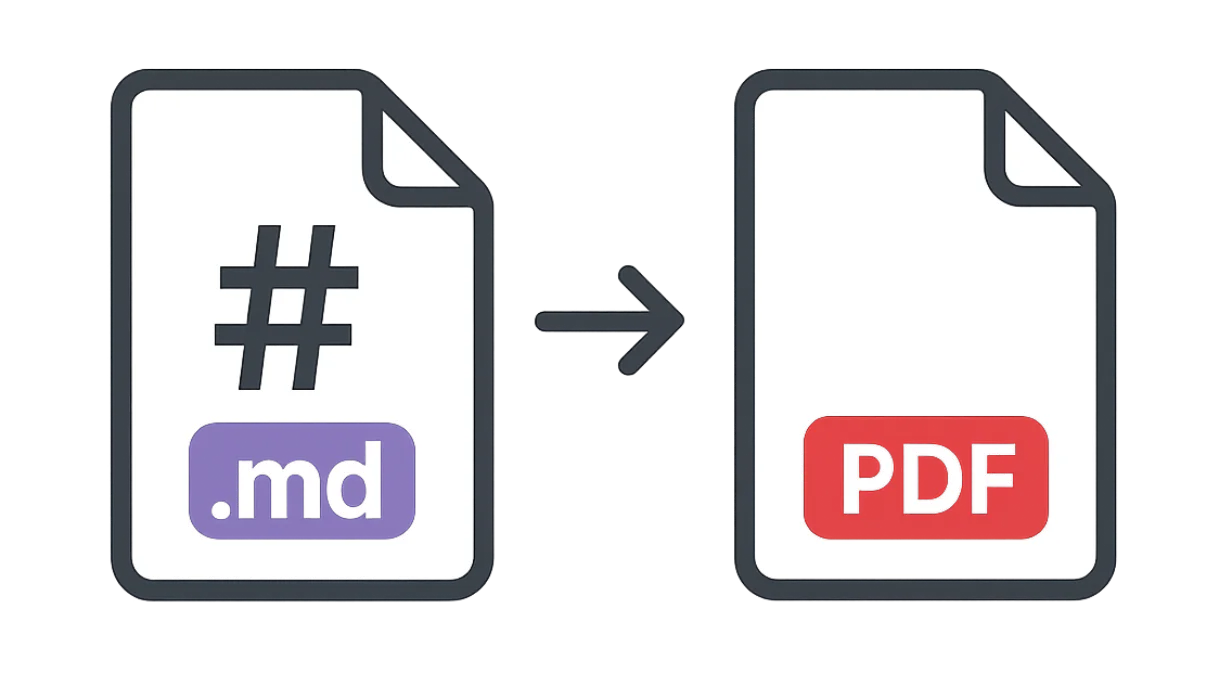
That’s how md-to-pdf-exams came to be, a tool that converts exams written in Markdown to PDF using Pandoc and LaTeX. The most interesting thing about the project is that it allows you to write content easily in Markdown and the system automatically handles the design and layout.
Main features
The project includes several functionalities that make it especially useful for teachers:
- Bilingual support: You can generate exams in Spanish or English.
- Solution management: Answers can be stored in separate documents and automatically injected.
- Professional export: Uses
lualatexandLiberationfonts for consistent results. - Custom Lua filters: Scripts that automate solution injection.
- True cross-platform: Works on Ubuntu/Debian, Fedora/RHEL, Arch/Manjaro, macOS, and Windows.
The foundation of the project is a LaTeX template originally created by Driss Drissi, whom I must mention and give full credit for the excellent original design work.
How to use md-to-pdf-exams
Prerequisites
Before starting, you need to have installed:
- Pandoc (version 3.x or higher)
- A LaTeX distribution with lualatex support
- The Liberation fonts package
The repository documentation includes detailed installation instructions for each operating system.
Basic commands
Once installed, using the tool is very simple. The project includes a script that simplifies the process:
# Generate exam in Spanish (default)
./scripts/export.sh

# Generate exam in Spanish with answers
./scripts/export.sh --answers

# Generate exam in English
./scripts/export.sh --lang en

# Generate exam in English with answers
./scripts/export.sh --lang en --answers
The workflow is as follows:
- Write your exam in Markdown using any text editor
- Run the script according to your needs
- Get a PDF ready to print or distribute
Practical example
Let’s imagine you’re creating a programming exam. Instead of fighting with Word formats or LibreOffice designs, you simply write:
---
title: Example exam
lang: spanish
answers: false
solutions-file: exam/solutions_es.md
department: Mathematics Department
preamble: >
  Solve each exercise showing each step.
---

@q Basic operations

1. Calculate \(18 + 7\).
2. Solve for \(x\) in \(5x = 45\).
The system handles the rest: numbering, formatting, margins, typography… All automatic. Of course, you need to have the LaTeX reference handy if you want to write formulas.
What still needs polishing
Like any project in development, md-to-pdf-exams has areas that need improvement:
Image management
I haven’t yet implemented image insertion in exams. It will surely come out decently, but I need to research custom designs to handle cases with 2-3 images in a “fancy” way. This is one of the priorities for upcoming versions.
Future ideas I’m considering
CSV support: Instead of Markdown, allow using CSV files with a particular format. This could be especially useful for people who don’t know Markdown syntax, making the project more accessible.
LLM integration: Implement a system that converts plain text with formulas to Markdown using a language model, then exports to Pandoc. This would further automate the creation process.
The usual: I don’t lack ideas. What’s lacking is time to implement them all.
Why Markdown + Pandoc + LaTeX
In case you’re not familiar with these tools, for me this combination, while it may seem complex at first, offers very clear advantages:
Advantages of writing in Markdown
- Simple syntax: Easier than learning complete LaTeX.
- Portability: Plain text files that work on any system.
- Version control: Compatible with Git to track changes.
- Content focus: You don’t get distracted with formatting while writing.
The power of Pandoc
Pandoc is the universal document converter. It transforms Markdown to practically any format: PDF, DOCX, HTML, LaTeX… In this project we use it as an intermediary between Markdown and LaTeX.
LaTeX for the final output
LaTeX remains the standard for academic and scientific documents, as it offers:
- Professional typography
- Excellent handling of mathematical formulas
- Design consistency
- Reproducible results
Real use cases
Since I started using md-to-pdf-exams, my workflow has improved significantly:
Quick exam creation: I can write a complete exam in my favorite text editor (I use VS Code with Markdown extensions) and generate the PDF in seconds.
Versions with and without answers: With a simple --answers flag, I generate the version for students and the version with solutions for me (which helps me grade quickly).
Content reuse: Since everything is in plain text, I can reuse questions, reorganize or modify them easily, without having to constantly adjust the formatting.
System independence: I can create the same exam on my Windows PC at work, my personal MacBook, or my Fedora machine at home. The result is identical.
Contribute to the project
md-to-pdf-exams is an open-source project available on GitHub. If you’re a teacher, developer, or simply interested in the project, there are several ways to contribute:
- Report bugs: If you find any issues, open an issue.
- Suggest improvements: All ideas are welcome.
- Contribute code: Pull requests are more than welcome.
- Share the project: If you find it useful, tell other teachers about it.
The goal is to create a tool that helps the educational community work more efficiently, regardless of the operating system they use.
If you have questions, suggestions, or want to share how you use the tool, don’t hesitate to contact me or open an issue in the repository.